
A nonprofit’s guide to website navigation (and how to prepare your team for the discussion)
Most nonprofit websites have navigation built around how the organization thinks about itself, not how visitors actually use it. Here's…

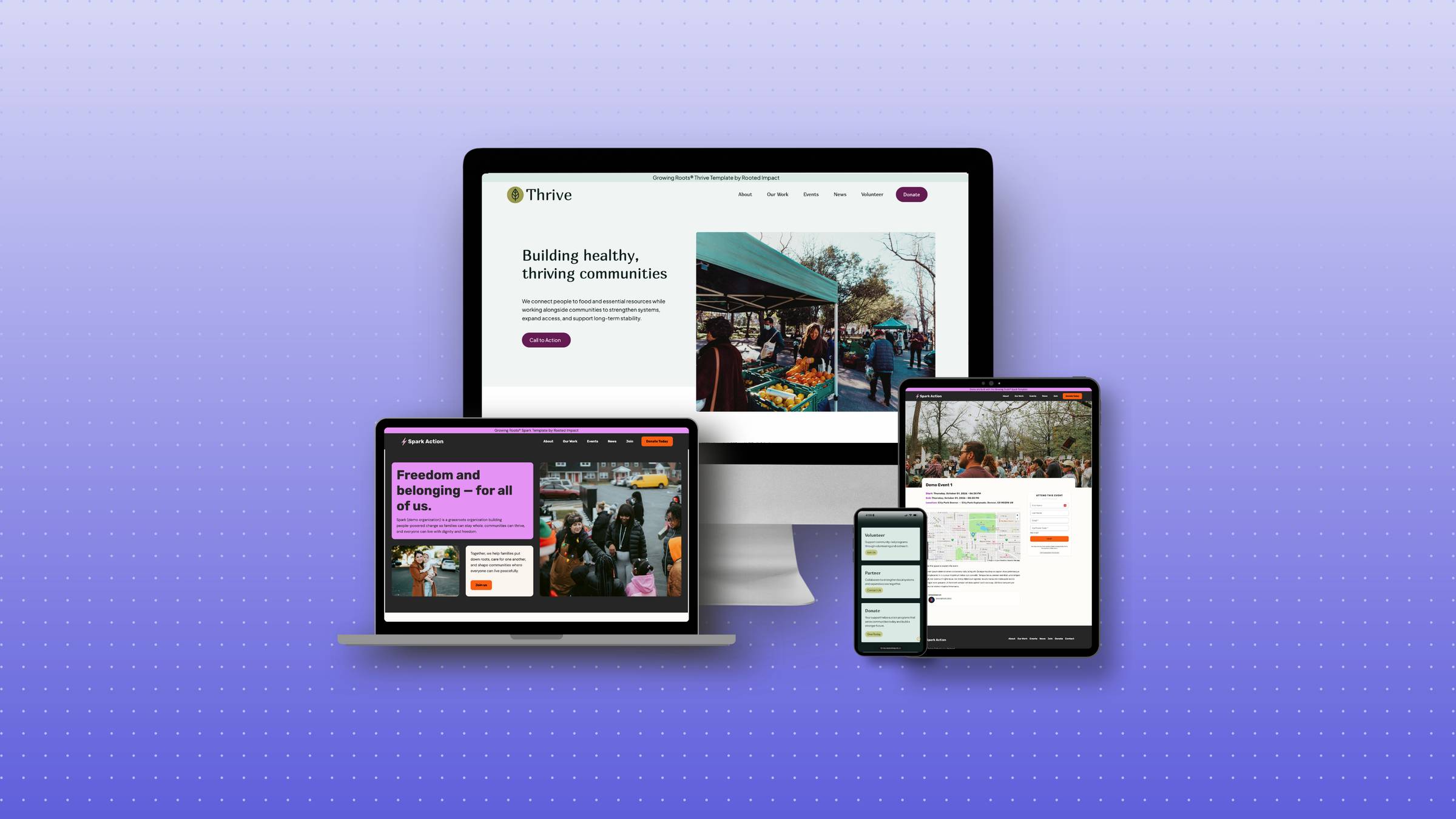
As a grassroots organization or small nonprofit, your website needs to work as hard as you do—without draining your limited time, technical expertise, or budget. After supporting many mission-driven organizations, I’ve identified the exact WordPress tools that deliver the perfect balance of professional quality and practical maintainability.
Wondering why we’re only talking about WordPress and not Wix or Squarespace if you’re just getting started? Here’s why.
This isn’t about overwhelming you with options or pushing the trendiest tools. It’s a carefully curated selection that addresses the real challenges you face:
Here’s the exact WordPress tech stack that will serve your mission without creating technical headaches.
Your hosting provider is where your website “lives” online. Choosing the right one prevents headaches like slow loading times, security vulnerabilities, and frustrating customer service.
Our other favorite hosting provider is Cloudways
Why we don’t recommend:
Page builders allow you to create professional designs without coding knowledge, making them essential for grassroots organizations with limited technical staff. You might have heard of Elementor, Divi, Beaver Builder, etc. These are front-end page builders that work with your WordPress platform to make site editing easier. You’ll get a great site using any of them but we have our favorites – Brizy and Breakdance. If you’re just starting out and need a site online, we recommend Brizy.
Breakdance: Most powerful and lightweight page builder we’ve tested. This is what we prefer to build sites with.
KadenceWP: Best web accessibility out of the box but you will lose some design control and will have more plugins.
Why we don’t recommend:
Plugins add functionality to your WordPress site, but too many will slow it down and create security risks. Here’s the carefully chosen set that delivers what nonprofits actually need:
| Plugin | Purpose | Why You Need It | Cost |
| WP Fastest Cache or FlyingPress | Speed optimization | Makes your site load quickly, keeping visitors engaged | WP Engine Free / Flying Press $49/year |
| Wordfence or SG Security | Security | Protects your site from hackers and attacks. If you’re on SiteGround, you’ll get SG Security | Free (Basic) |
| SEOPress or RankMath | Search visibility | Helps supporters find you through Google | Free versions available |
| ShortPixel | Image optimization | Keeps your images looking great while loading fast | Free for 100 images/month |
| UpdraftPlus | Automatic backups | Prevents losing your site in an emergency | $70/year |
| CookieYes | Cookie consent | Keeps your site legally compliant | Free (Basic) |
| Plugin | Purpose | When You Need It | Cost |
| WP Social Ninja | Social media integration | If social channels are central to your organizing | Free version available |
| GTranslate Or TranslatePress | Multilingual content | If your community needs multiple languages | GTranslate is free and TranslatePress is 99/yr |
| The Events Calendar or Pie | Event management | If you host regular events | Free (Basic) |
Why we recommend these specific plugins: Each has been tested with dozens of small nonprofits to ensure they’re reliable, regularly updated, and don’t conflict with each other or slow down your site.
For specialized functions, sometimes the best approach is to integrate your WordPress site with dedicated platforms rather than adding complex plugins:
Instead of complex donation plugins inside WordPress or patching together systems, just go with a CRM (client relationship management) that can do most everything you need. Having your donations, email marketing, and event registration in one system will save you headaches. For just starting out, we recommend:
This tech stack is for early nonprofits just starting out. While you can grow with these tools, once you have a higher budget, there are more advanced systems you can get into (like the Breakdance builder or Mobilize for event registrations). This guide is meant to serve those who need a site online and don’t know where to start.
Remember: Your website should support your mission, not create additional burdens. This carefully selected tech stack gives you professional results without technical overwhelm.
A common concern we hear is: “But what happens after we launch? How do we maintain it?”
Here’s a simple maintenance checklist you can follow:


© 2026 Rooted Impact. All rights reserved.