
A nonprofit’s guide to website navigation (and how to prepare your team for the discussion)
Most nonprofit websites have navigation built around how the organization thinks about itself, not how visitors actually use it. Here's…

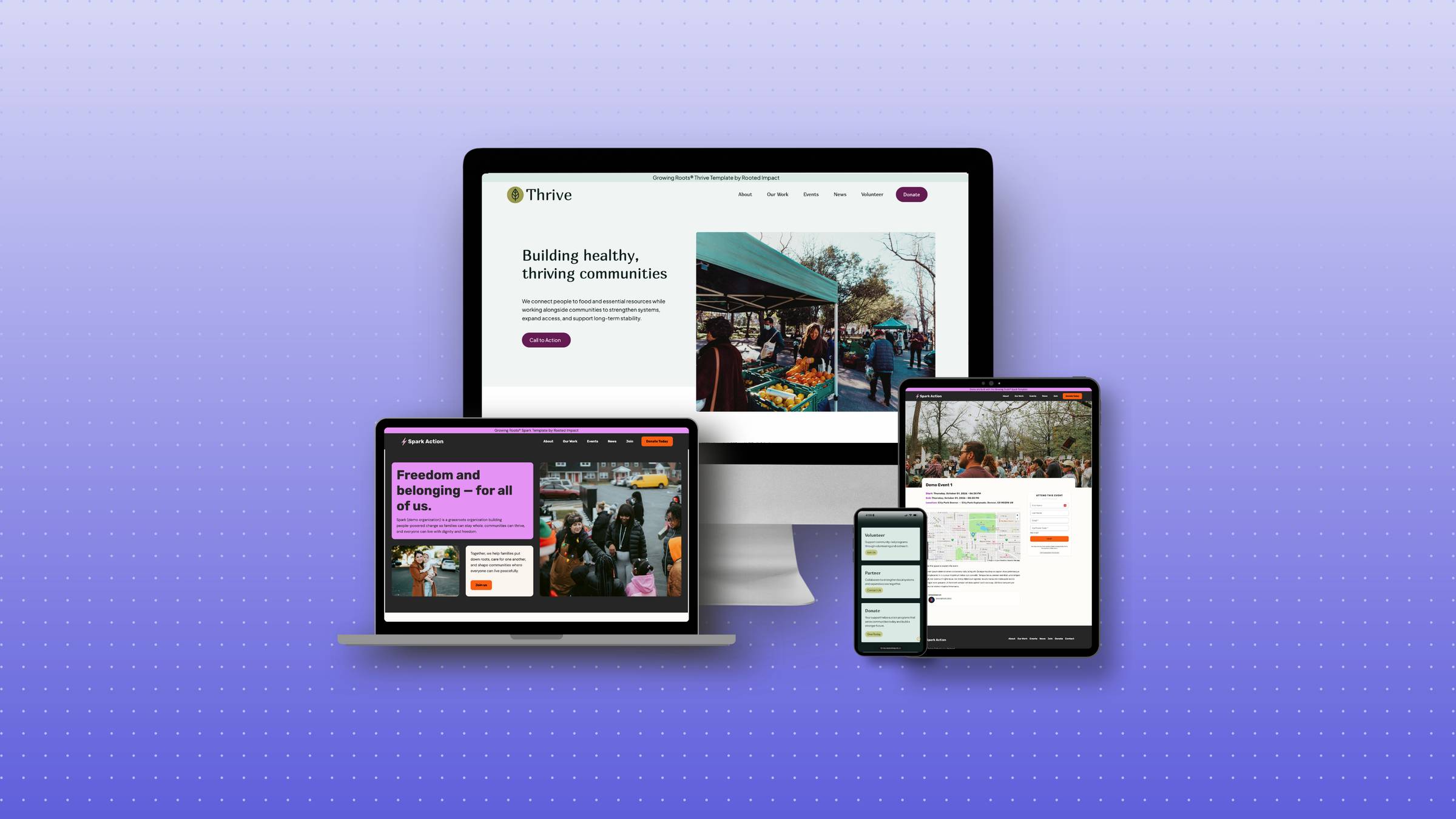
Updated on 6/15 to include a new graphic comparing multiple website building platforms.
“I just need a simple website for our nonprofit, but there are so many options… which one should I choose?”
If that question sounds familiar, you’re not alone. I hear it almost daily from leaders who are ready to build their online presence but feel stuck at the very first decision.
I’ve spent over a decade in the nonprofit world, and I’ve seen too many passionate founders (just like you) juggling a hundred priorities at once—fundraising deadlines, community events, board meetings, and that 2 a.m. volunteer email that definitely couldn’t wait. In that whirlwind, figuring out where to build your website often feels like one task too many.
Here’s what I want you to know: You don’t need a computer science degree or a fancy marketing agency to create a website that actually works for your organization. What you do need is a platform that meets you where you are right now, supports your long-term vision, and doesn’t make you want to chuck your laptop across the room (we’ve all been there).
As someone who’s built websites for grassroots organizations while simultaneously organizing for campaigns and ballot initiatives, I understand the unique challenges you’re facing.
Wix is a drag-and-drop builder with tons of ready-to-go templates. You don’t need to know code or hire anyone to get started, which is perfect when you’re already stretched thin.
Great for getting started fast when you just need something online, but you may outgrow it sooner than you think. I’ve seen many mission-driven leaders start here and then feel frustrated within a year.
Squarespace is known for its modern, elegant designs and relative ease of use. It’s a favorite for creatives and nonprofits who want something polished without diving into the deeper complexity of WordPress.
Squarespace hits a sweet spot between beauty and simplicity—ideal for nonprofits in their first few years who want to look professional without hiring outside help. I’ve seen many campaigns and organizations thrive here.
WordPress powers over 40% of the internet—and for good reason. It’s endlessly customizable and works beautifully for nonprofits at ANY stage of growth. This is what I use for my own site and what I recommend to nearly all my clients, from brand-new organizations to established nonprofits.
WordPress is hands-down the best platform for nonprofits who want to invest in their digital foundation from day one. While it may seem intimidating at first glance, with the right guidance, WordPress becomes just as accessible as other platforms—but with significantly more room to grow and adapt as your mission expands.
After building dozens of websites for nonprofit organizations, here’s my honest recommendation:
Choose WordPress if:
Consider Squarespace if:
Only choose Wix if:
Here’s what I wish someone had told me years ago when I was stressing about website platforms for nonprofits: starting with WordPress saves you time, money, and frustration in the long run.
I’ve watched too many organizations build on Wix or Squarespace, only to hit frustrating limitations. Then they face a painful choice: stay limited or undertake a time-consuming migration.
The truth? WordPress only seems complicated because there are so many options. With the right guidance on exactly which builder, themes, and plugins to use, WordPress becomes just as intuitive as other platforms—but with room to grow as your organization does.
Have questions? Reach out for a free consult.


© 2026 Rooted Impact. All rights reserved.
